Skip to content
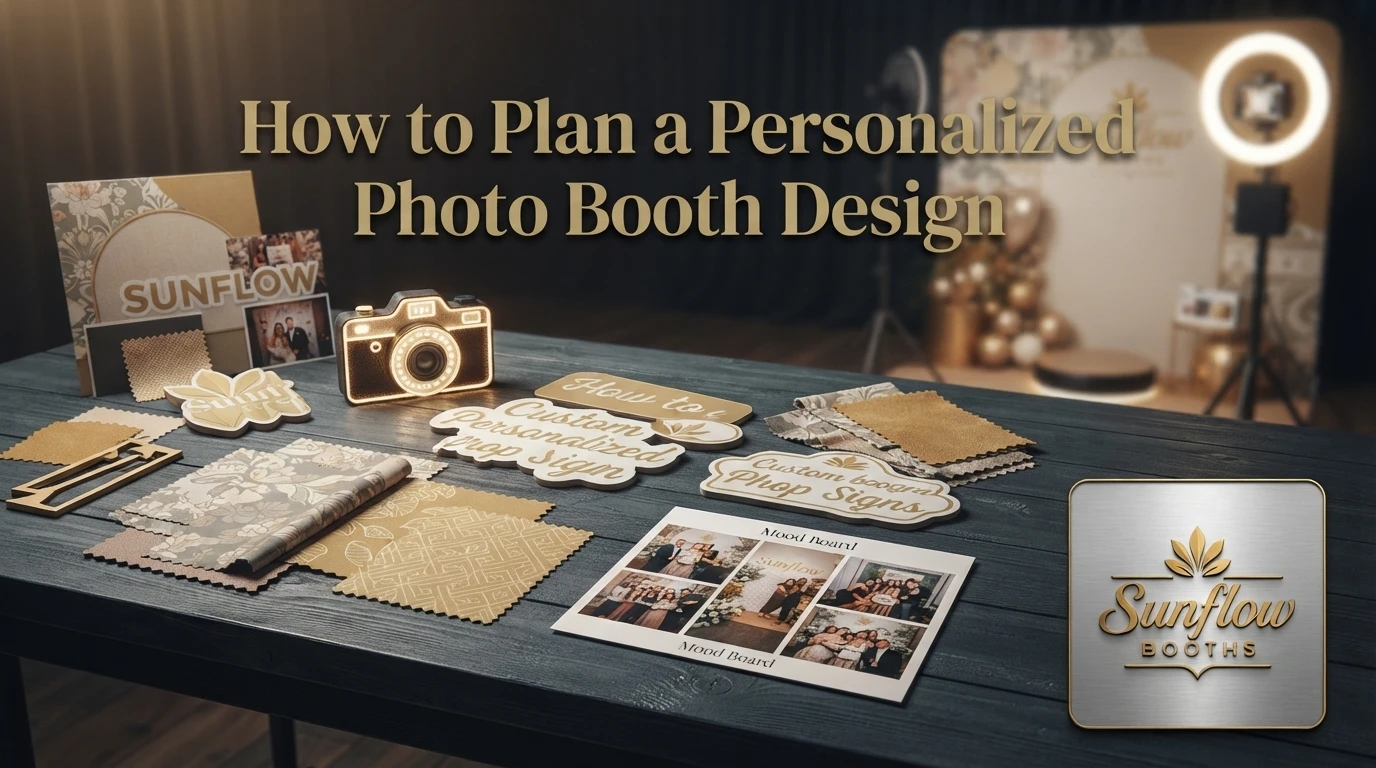

Quick Summary: A solid personalized photo booth design comes down to a simple five-input brief (date, venue, palette, booth type, logos/monograms) that feeds one shared color palette across overlays, backdrops, and props, so every print and clip looks like one intentional brand instead of mismatched pieces. Sunflow Booths’ Social Booth takes the most custom designs thanks to its open-air layout, while the Mirror, 360, Magazine, Glam, Trading Card, AI, and Roaming options cover weddings, galas, brand activations, and corporate events. Submitting the brief two to four weeks ahead allows time for a mock-up, revisions, and final approval, and a 48-hour post-event gallery lets planners sort the best shots for portfolios, recap decks, and social posts while momentum is still high. Sunflow packages run $379 to $1,399, all-inclusive, serving Michigan venues like Ann Arbor and Metro Detroit.
A bride in Saline watched guests line up at a booth she had described in a one-page brief two weeks earlier. Every print carried her dusty-blue monogram, the venue name, and the date. That’s the payoff of a real personalized booth design, not a last-minute template. This guide walks through a five-step planning workflow, from brief to 48-hour gallery delivery.
A design brief is the single document that turns your ideas into a personalized booth design your guests will actually recognize. Give it five inputs and the rest falls into place.
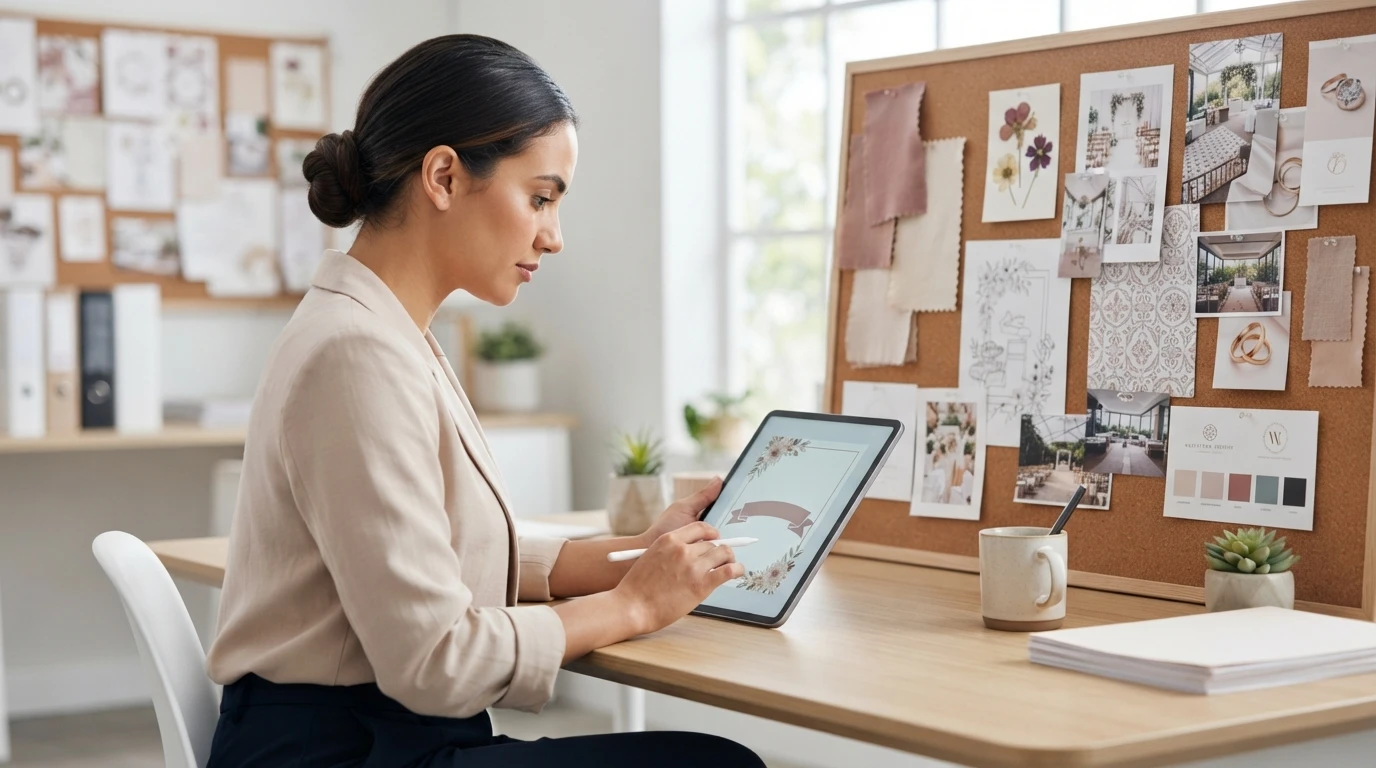
The 5 inputs every Sunflow brief collects
Every brief should answer five things: the event date and venue, your theme or color palette, the booth type you want, must-have print or digital extras, and any logos or monograms. Sunflow Booths builds these details into every custom photo booth design, so nothing gets guessed on event day.
How the brief turns into an overlay draft
From those answers, the designer builds an overlay draft: the frame, colors, and text guests see on every photo. You review a mock-up, request revisions, and approve a final version before the event. Clear fonts, high-resolution logos, and short captions keep prints readable.
Which Sunflow booths handle personalization best for your event?
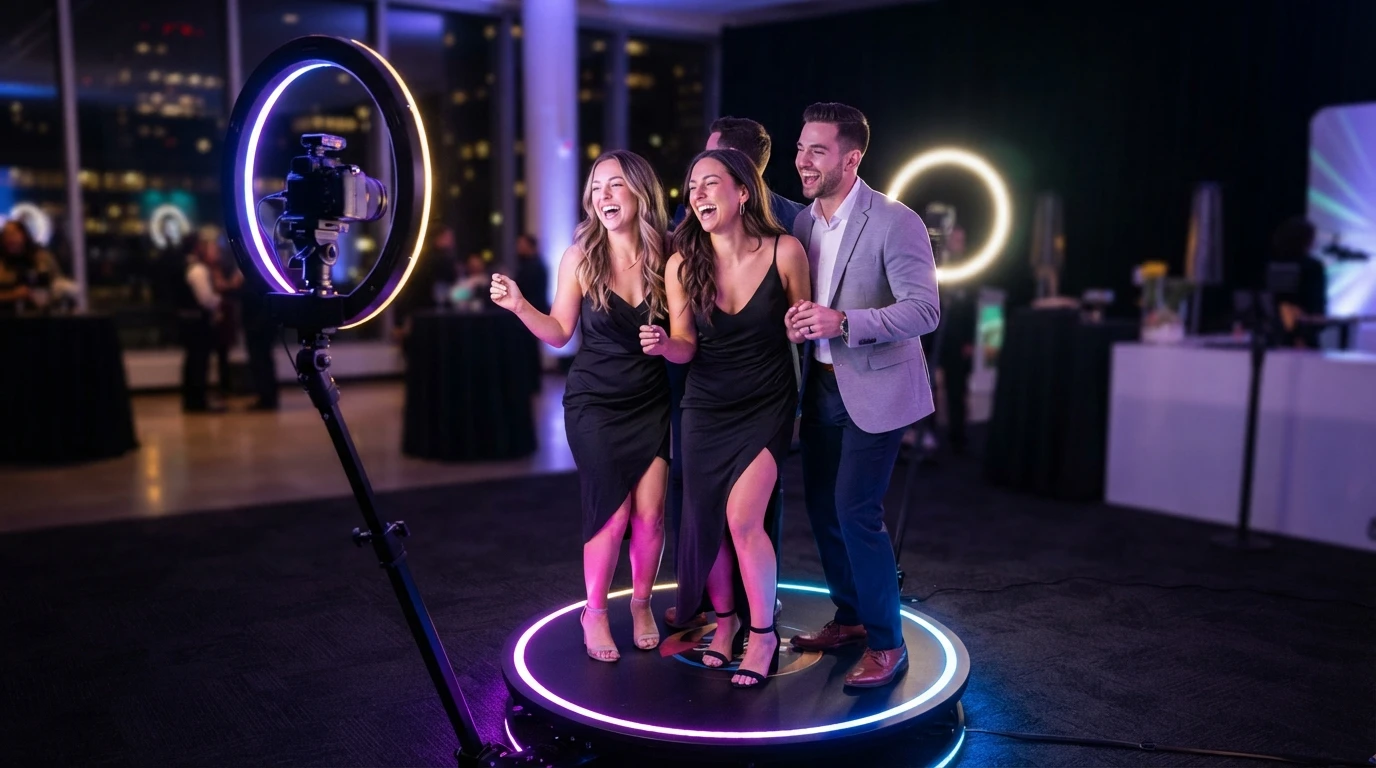
The Social Booth fits the most personalized booth design ideas, because its open-air layout takes any backdrop, overlay, or prop theme you supply. The Mirror Booth adds touch-screen animations for weddings and galas. The 360 Booth works best for brand activations, with slow-motion video wrapped in your logo and colors.
When to add Magazine, Glam, Trading Card, AI, or Roaming
Add the Magazine Booth when guests want a printed cover keepsake. Glam suits black-tie weddings. Trading Cards shine at sports-themed corporate events, while the AI Booth draws crowds at tech launches. The Roaming Booth captures guests who never reach the booth line.
How do overlays, backdrops, and props combine into one branded look?
Pick one palette first. The overlay (the graphic frame printed on every photo), the backdrop, and the props all pull from it, so guests see one brand instead of three separate ideas. Match the hex codes on your overlay to the backdrop and florals, and the booth photos look intentional in a shared feed.
Backdrop choices that match the overlay palette
A sequin wall reads glam, a greenery wall reads garden wedding, and a step-and-repeat reads corporate. Choose the backdrop that matches your overlay’s tone, not just its colors. If you want more backdrop ideas, we break down options for outdoor ceremonies in our wedding backdrop guide. Keep lighting in mind too: dark backdrops need a flash setup so faces stay bright.
Props and on-screen graphics that finish the look
Props should echo the palette without copying it. Gold-frame glasses with a blush sequin wall works; neon plastic props against a moody backdrop does not. Add matching on-screen touches like branded start screens or countdown animations, and the whole experience feels designed, end to end.
What happens after the event – and how do you confirm the design worked?
48-hour gallery and how planners reuse the assets
Your full gallery arrives within 48 hours. Sort it fast: pull the shots where the custom backdrop, prints, and overlays look sharpest, then check which frames guests actually shared.
Those two lists tell you if the design worked. If branded 360 clips from the activation traveled furthest, that template earns a repeat at the next event.
Wedding planners repurpose gallery images in client portfolios and thank-you cards. Corporate teams feed stills into recap decks and social posts within the same week, while momentum is high.
Ready to turn your brief into a custom booth? Packages run $379 to $1,399, all-inclusive. Book your Michigan date at Sunflow Booths.
Frequently Asked Questions
Q1: Where can planners book fully customized booth setups?
Book directly at sunflowbooths.com/contact-us/ or call 1 (877) 735-4943. Sunflow Booths serves Ann Arbor, Washtenaw County, and Metro Detroit with all-inclusive packages from $379 to $1,399.
Q2: How far in advance should I submit my design brief?
Two to four weeks out works well. That gives time for an overlay draft, one or two revisions, and final approval before setup day.
Q3: How long does booth setup take?
Most setups take 45 to 60 minutes, handled by the attendant. Teardown happens after the last session, so you never touch equipment.
Conclusion
Good booth design starts with a five-input brief, one shared palette across overlay, backdrop, and props, and a booth that fits your event. Sunflow Booths handles setup, attendant, custom design, and a full gallery within 48 hours, with all-inclusive packages from $379 to $1,399.